
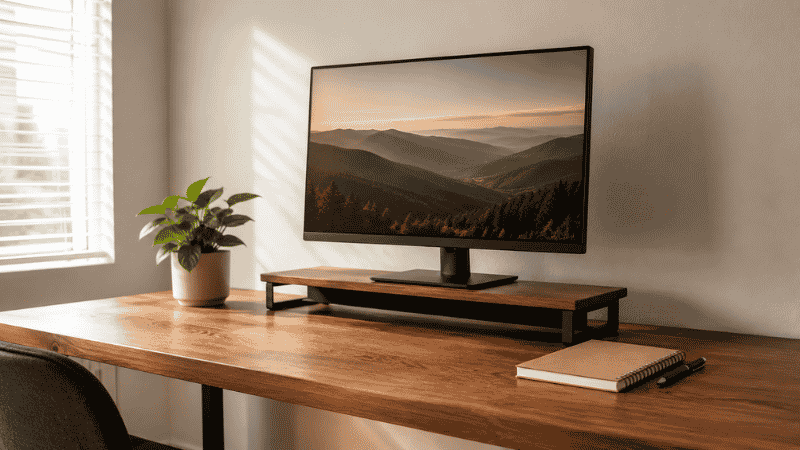
You finally did it.
A real desk. A proper chair. Maybe even a cable organizer you saw online that promised to change your life. You spent a weekend getting everything just right, stepped back, and thought — okay, this is going to work.
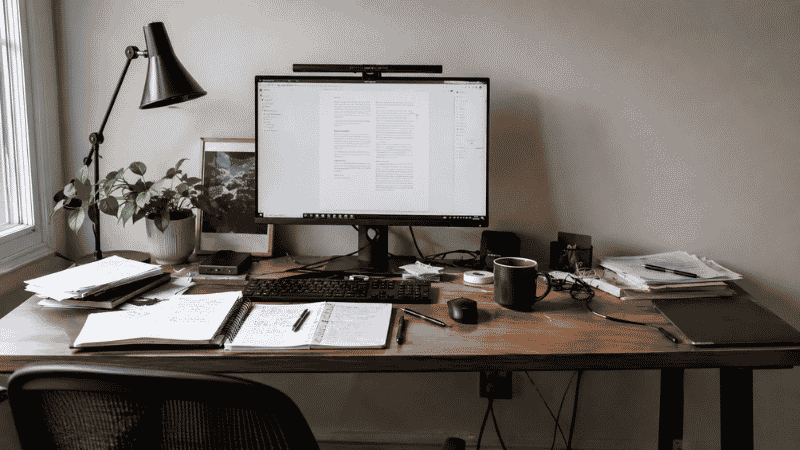
Two weeks later, the pile was back. The cables were tangled again. Your “dedicated workspace” had somehow become a second kitchen table, covered in mail, a coffee mug from three days ago, and that book you keep meaning to read.
Sound familiar? Because this exact cycle — setup, collapse, restart — comes up more than any gear recommendation when real remote workers talk about their home offices. People aren’t failing because they don’t know what a monitor arm is. They’re failing because most setup guides skip the part that matters: why setups fall apart, and how to build one that actually holds.
That’s what this is. Not a gear list. A setup that lasts.
— Daniel Shaw, 7 years working from home across three different desk setups
Key Takeaways
- The chair and desk are your only true non-negotiables at the start — everything else is refinement
- A desk without an organization system will be buried within two weeks, no matter how good it looks on day one
- Cable clutter is the fastest way to make a functional setup feel chaotic — and one of the cheapest problems to fix
- Small spaces aren’t a limitation — they just require more intentional decisions upfront
- The right home office setup is the simplest one you’ll actually maintain, not the most impressive one you can build
Why Most Home Office Setups Fail Within a Month
Here’s the pattern: someone buys a desk, assembles it on a Saturday, puts their monitor on it, and calls it done. What they’ve created is a surface. What they haven’t created is a system.
A surface without a system becomes a dumping ground. That’s not a personality flaw — it’s just how spaces work. Stuff follows the path of least resistance, and if your desk is the flattest, most accessible surface near where you work, everything ends up on it. The mail. The chargers. The headphones. The pen you didn’t put back. The thing you’ll deal with “later.”
Three weeks in, you’re moving things aside just to find your mouse.
The difference between a setup that lasts and one that doesn’t isn’t expensive gear. It’s whether every item that touches your desk has a specific, logical home — and whether that home is easy enough to use that you actually put things back there. That’s the foundation. Everything else builds on it.
Home Office Essentials: What to Buy First
Before you buy anything, answer one question honestly: what does your work physically require?
Not “what looks good in a setup photo” — what do you actually do for eight hours a day? Someone on video calls all afternoon has different priorities than someone buried in spreadsheets. Both have different needs than someone managing physical paperwork. Most guides ignore this completely and hand you a generic list. Here’s what actually matters, in order of real impact.
Your Chair — Spend Here First
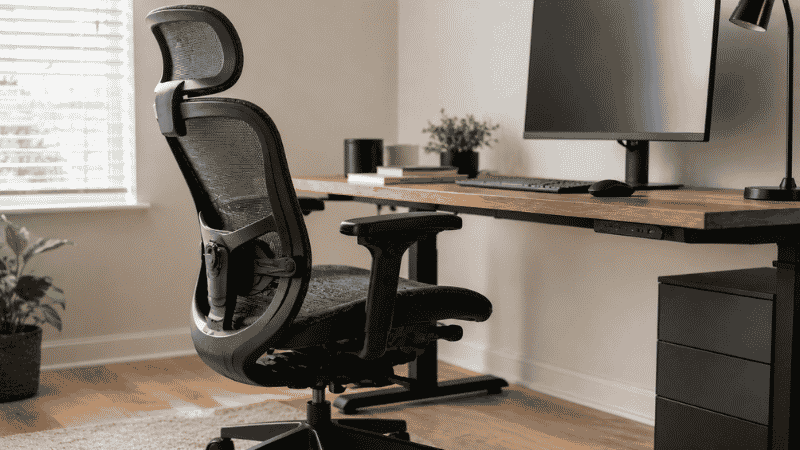
A bad chair doesn’t just cause back pain. It causes the kind of slow-building discomfort that makes you unconsciously start avoiding your desk. You find reasons to work from the couch. You get up more than you should. Your focus fragments in ways that are hard to trace back to the chair.
I’ve been through this twice — a $65 mesh chair that looked fine in photos, and a $110 “ergonomic” model with lumbar support in name only. Both left me with back pain inside three months.
What actually matters in a chair:
- Adjustable lumbar support — not a fixed foam bump, but something you can position where your lower back actually curves
- Seat height range that lets your feet sit flat on the floor with thighs parallel to the desk surface
- Armrests that raise and lower so your shoulders aren’t creeping toward your ears all day
Budget range: $200–$400. Below that, you’re usually buying marketing language, not real ergonomics. The chair is the one place where going cheap costs more in the long run — either in replacement cost, or in the physio visits that follow.
Your Desk — Stability Over Style
Two things ruin a cheap desk: wobble and shallow depth. Wobble sounds minor until your monitor is vibrating slightly every time you hit the keyboard. Shallow depth (under 24 inches front-to-back) means your monitor sits too close, which causes eye strain that builds so gradually you don’t notice it until you have a headache every afternoon.
Minimum specs that actually matter:
- 48 inches wide minimum — anything less and you’re constantly rearranging to make room
- 24 inches deep minimum — so your monitor can sit at arm’s length (roughly 20–28 inches from your face)
- A surface that doesn’t flex under pressure — test this before buying if possible
One thing most guides skip: built-in cable management — a grommet hole, an under-desk tray slot — makes a meaningful difference in how clean your setup stays over time. Worth checking before you commit to a model.
Budget range: $120–$280. Above that, you’re paying for standing desk motors or aesthetics. Get the basics right first.
Your Monitor Situation
If you’re working off a laptop screen alone, you’re working harder than you need to. A single external monitor — even a basic 24-inch 1080p panel — dramatically reduces the window-switching friction that quietly drains your focus throughout the day.
Positioning matters as much as the monitor itself:
- Top of the screen at or just below eye level
- Distance from your face: arm’s length, roughly 20–28 inches
- No light source directly behind the screen (creates glare) or directly behind you shining onto it (also glare)
If you’re buying a monitor, budget for a riser or stand at the same time. Most desks sit too low for a monitor to reach proper eye level without one — and a good riser also doubles as storage space underneath. See what fits under a monitor riser in our desk organizer guide.
Home Office Organization: The Part That Makes or Breaks Everything
This is where most setup guides get vague (“keep it tidy!”) or skip it entirely. It’s also the reason most home offices look fine on day one and chaotic by day fourteen.
Organization isn’t decoration. It’s infrastructure.
The Three-Zone Desk Method
Divide your desk into three functional zones. Not physically marked out — just as a rule you follow for where things live.
- Zone 1 — Active: The space directly in front of you. Keyboard, mouse, monitor. Nothing else gets a permanent address here. This zone should be clear when you’re not actively working.
- Zone 2 — Reference: One arm’s reach to either side. Your current notebook, your one daily pen, your phone. One item at a time. When the project changes, the items change.
- Zone 3 — Storage: The desk edge, the shelf above, the drawer below. Everything else — the organizer, letter tray, cables, backup supplies — lives here.
Most people treat their entire desk as Zone 1. Everything gets put down wherever there’s space. That’s how the pile starts, and that’s the only thing you need to change to stop it.
What You Actually Need for Desk Organization
You don’t need a matching set of fifteen accessories. You need targeted solutions to the specific things that make your desk messy:
- A pen cup or small tray. One dedicated spot for writing tools. Not a collection of mugs and cups — one. When a pen runs dry, it goes in the bin, not back in the cup.
- A letter tray or document stand. If you handle any paper — invoices, notes, reference sheets — you need somewhere for it to go that isn’t “the pile.” A two-tier letter tray takes up less surface space than a stack three inches tall.
- A drawer organizer. The junk drawer under your desk isn’t organization. Small compartments for paper clips, USB drives, batteries, and sticky notes mean you can find things — and they stop migrating to the desk surface.
- Basic cable management. Three adhesive cable clips on the back edge of your desk, one under-desk tray, one velcro tie to bundle the power strip cables. That’s enough for a dramatic difference. You don’t need to drill anything. Full cable management guide — no drilling required.
For specific organizer recommendations by desk size and type: Best Desk Organizers — Tested Picks for Every Setup.
Small Home Office Ideas: When You Don’t Have a Spare Room
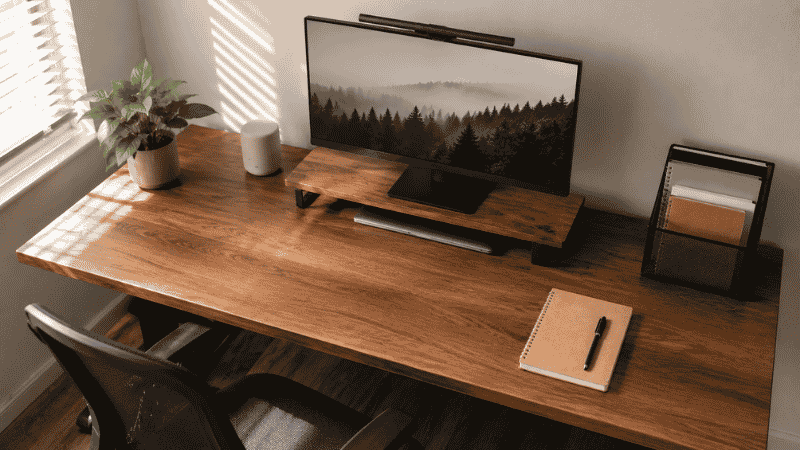
Most guides write for the spare-room home office. Most people don’t have one. If you’re working from a bedroom corner, a living room alcove, or a shared space, the setup principles aren’t different — they’re just more deliberate.
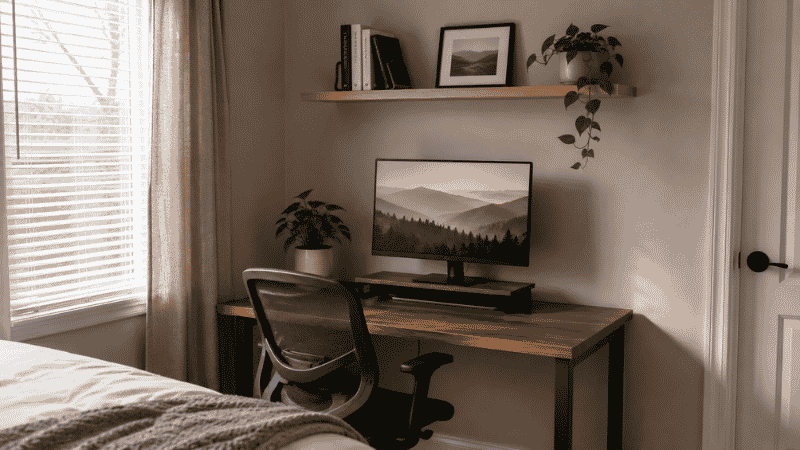
Go vertical before going wide. A floating shelf above your desk creates storage without taking any desk or floor space. A monitor riser with a drawer underneath turns dead space into utility. Pegboards look like an aesthetic choice — they’re actually one of the most space-efficient storage systems for a small footprint.
Face the wall, not the room. When your desk faces a wall instead of open space, your brain registers a shift: this is work territory. It sounds minor. It changes things more than people expect.
One monitor, well-positioned, beats two crammed monitors. If your desk is under 48 inches wide, resist the dual-monitor setup. One screen at the right distance and height is more productive than two you’re constantly leaning toward because there’s not enough room.
The small desk rule: Only things you touch daily get a permanent spot on the surface. Everything else needs a vertical home — a shelf, a wall mount, a drawer. More horizontal surface isn’t an option, so stop treating it like one.
12 practical small desk organization ideas — specifically for desks under 48 inches.
Lighting: The Upgrade Most People Leave Until Last (And Shouldn’t)
Eye fatigue is sneaky. It doesn’t feel like your eyes hurting — it feels like your brain slowing down at 3pm. It feels like losing focus. It feels like being tired even when you slept fine. Bad lighting is one of the most common and most overlooked causes of afternoon productivity collapse in home offices.
Natural light: position matters more than quantity. Light from the side of your monitor is ideal. Light from directly behind your screen creates glare. Light from directly behind you bounces off the screen and into your eyes. If you can’t control your window position, a simple blackout blind solves this entirely.
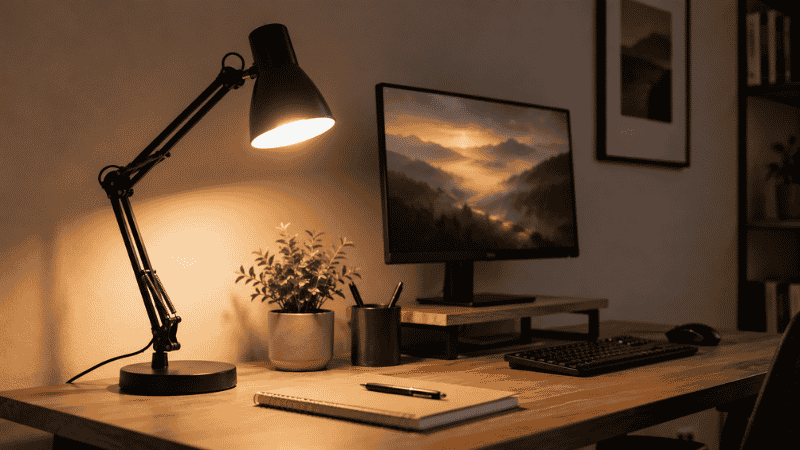
What to add: A desk lamp with adjustable color temperature is the highest-value lighting upgrade for most setups. The difference between 3000K (warm, relaxing, sleepy) and 5500K (cool, daylight-matched, alert) is real and noticeable. Most people working on screens benefit from cooler light during the day.
If you’re on video calls regularly: you need a front-facing light source. Without it, you look like you’re being interviewed in a dim basement. A lamp positioned in front of you — not overhead, not to the side — fixes this completely.
The Priority Order: How to Build This on Any Budget
If you’re starting from zero, here’s the sequence I’d follow. This is the order of real impact — not the order that’s most exciting to buy.
- Chair — $200–$280. Your body is in this for eight hours. This is not where you economize.
- Desk — $130–$200. Stable, the right dimensions, with some cable management consideration built in.
- External monitor — $150–$220. Even a basic 24-inch panel changes the experience of working from a laptop.
- Organization basics — $35–$60 total. Pen tray. Letter tray. Cable clips. Drawer organizer if you have a drawer. Total cost is low; daily frustration reduction is high. This is the step most people skip and then wonder why their desk is always messy.
- Desk lamp — $30–$60. Adjustable color temperature. Bright enough for focused work. Front-facing if you’re on calls.
Full setup under $500 if you shop carefully. Under $800 with a decent monitor. Everything after this — standing desk converter, monitor arm, premium keyboard, additional storage — is refinement. Get the foundation right first.
Your Setup Is Built But Not Working? Start Here.
Maybe you already have the desk and the chair. Maybe you’ve tried organizing before and it just reverted. Here’s the honest diagnosis:
Desk always covered in stuff: You’re missing Zone 3. You have surfaces but not systems. Add a letter tray and a drawer organizer before anything else. Give everything that lands on your desk a specific, easy-to-reach home off the surface.
Always losing small things: Your drawers don’t have compartments. An $8 drawer organizer insert solves 80% of this problem.
Cables always tangled: You’ve been tolerating a 10-minute fix. Three adhesive clips, one under-desk tray, one velcro bundle — done. You don’t need to redo the whole setup.
Feeling distracted or restless: Look at the light first, then at what’s in your visual field. Clutter in peripheral vision is a sustained, low-level attention tax. Clear Zone 1 completely at the start of each work session, even if the rest isn’t perfect.
No gear change seems to stick: The setup is probably more complicated than it needs to be. The best system is the simplest one you’ll actually maintain. If putting things away takes more than five seconds, you won’t do it consistently — and the pile comes back.
Frequently Asked Questions
Do I really need a separate room for a home office?
No — and most people don’t have one. What you need is a consistent, designated spot used only for work. A desk in the corner of a bedroom works fine if you’re deliberate: face the wall, create a clear end-of-day routine that signals “work is over.” The physical separation matters less than the psychological one.
What’s the minimum I need to spend to set up a functional home office?
Realistically, $300–$400 covers a solid desk, a decent chair, and basic organization tools. Below that, you’re usually compromising on the chair — the one compromise that tends to cost more later, either in a replacement purchase or in back pain you didn’t see coming.
How do I keep my desk organized when I’m busy?
The system has to be easier than the alternative. If putting something away takes more steps than dropping it on the desk, you won’t do it during a busy week. A tray that’s already open and at arm’s reach will get used. A drawer that requires clearing space first won’t. Make the right place the easy place.
My desk always gets messy again after a week. What am I doing wrong?
Usually one of two things: there’s no designated place for items that regularly land on your desk (mail, charging cables, random items), or the designated places are too inconvenient to actually use. Look at what’s on your desk right now and ask where each item should go. If the answer is “I don’t know” for most of them — that’s your problem to solve first.
Is a standing desk worth it for a home office?
Not as a first priority. The research shows benefits mainly from alternating between sitting and standing, not from standing all day. Get your seated ergonomics right first. If your setup is working well and you want to add movement, a standing desk converter is a reasonable next step — but it won’t fix a setup that has more fundamental problems.
One Last Thing
The best home office setup is the one you can maintain on a Wednesday afternoon when you’re tired and have fifteen things to do.
Not the one that looks best in a photo. Not the one with the most impressive gear. The one that’s simple enough that keeping it orderly takes almost no effort — because the effort has already been built into the system.
Set it up simply. Use it for two weeks. Then fix the specific things that are actually bothering you — not the things you think you’re supposed to want.
That’s the whole approach.
More from WorkDeskLab:
- Best Desk Organizers — Tested Picks for Every Desk Size
- Desk Cable Management Guide — How to Hide Every Wire Without Drilling
- Small Desk Organization Ideas — 12 Ways to Get More Done in Less Space
References: American Optometric Association — Computer Vision Syndrome guidelines (aoa.org) · Cornell University Ergonomics Web — Seated workstation guidelines (ergo.human.cornell.edu)